Retargeting starts with finding people who have engaged with your business.
Prepare a list if you know the people you’d like to retarget.
If your business is using retargeting to find people who have visited your physical shop, or if you have collected customer contact information through a CRM, you can create a list to reach these people with ads. This list is always securely hashed on your browser and never shared with other businesses unless you grant them access.
Install the Facebook pixel if you want to retarget your website visitors.
The Facebook pixel is a small snippet of code that you, your website engineer or a Facebook Business Partner can paste in your code. It tracks the people and the types of actions they take when they engage with your brand, including any of your Facebook ads they saw before going to your website, the pages of your site they visit and the items they add to their baskets.
Just like the Facebook pixel, the Facebook SDK gives you insights about who is using your app and the actions they’re taking in it. Installing the SDK will allow you to use retargeting to find the people who have taken certain actions in your app, such as added items to a basket but didn’t complete the purchase.
The next step is specifying the people you want to retarget.
You can create a Custom Audience from your list, Facebook pixel data or Facebook SDK to specify the people you want to reach with your remarketing campaign. Your pixel or SDK can automatically add people to a Custom Audience based on the specific actions you’re most interested in targeting, such as people who visit your site home page or people who view a product but do not make a purchase. This can help you create ads that are relevant to where people are in their customer journey.
Learn how to set up a Custom Audience from a list, from your website visitors or from the people who use your app.
Reach your audience with any ad type, or choose one that was made for remarketing.
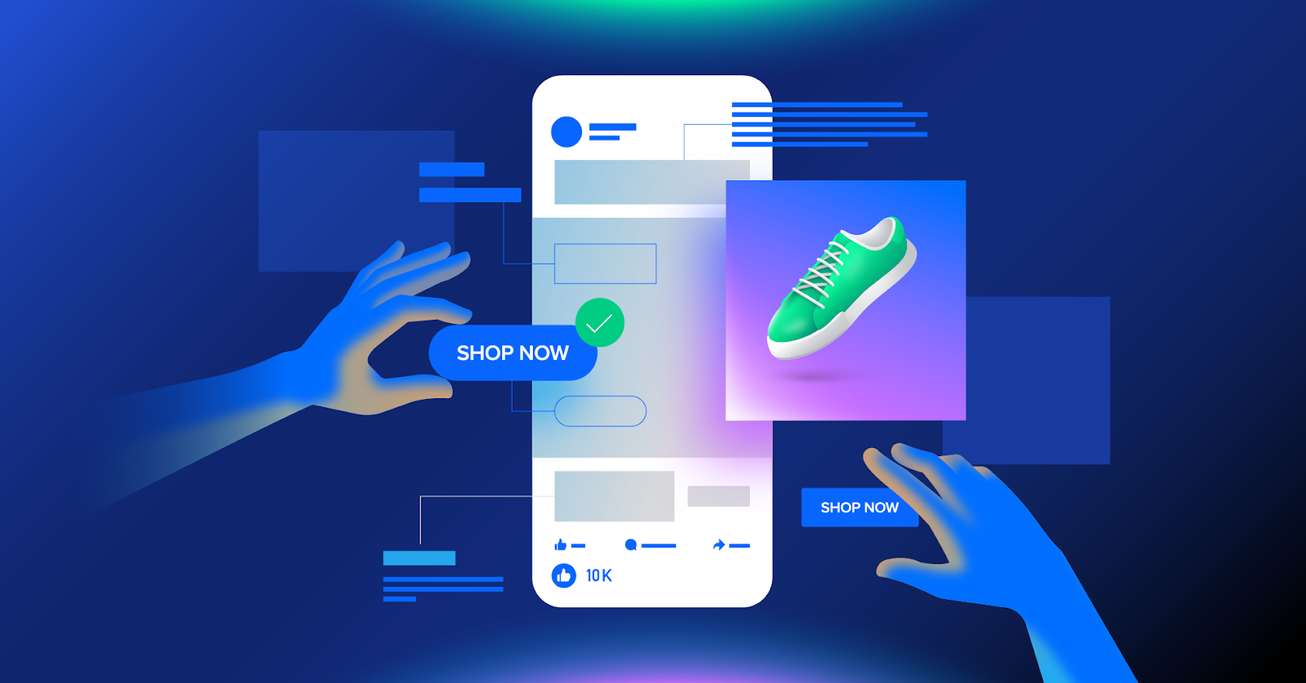
Create dynamic ads to show relevant items from your catalogue.
Dynamic ads automatically show each viewer the most relevant products and ad creative across Facebook, Instagram, Audience Network or Messenger, based on the actions they’ve taken on your site or app. When you upload your product catalogue, people will see items they abandoned in their baskets, or new product recommendations that are relevant to them.
Restart the conversation with sponsored messages.
If you haven’t interacted with a customer for a while, get in touch using sponsored messages in Messenger. They allow you to send highly targeted promotions to the people who have already engaged with your business.
Once your retargeting campaign has started, find out how your ads are performing.
Facebook measurement can help your business understand which types of ads and platforms are getting the most engagement from your remarketing audience. Find free analytics and attribution reports, and discover how Testing and Learning can benefit your business.
Get More Info: Digital Marketing Services
Need assistance? Connect with our Expert instantly via WhatsApp @ +92 313-325 8907